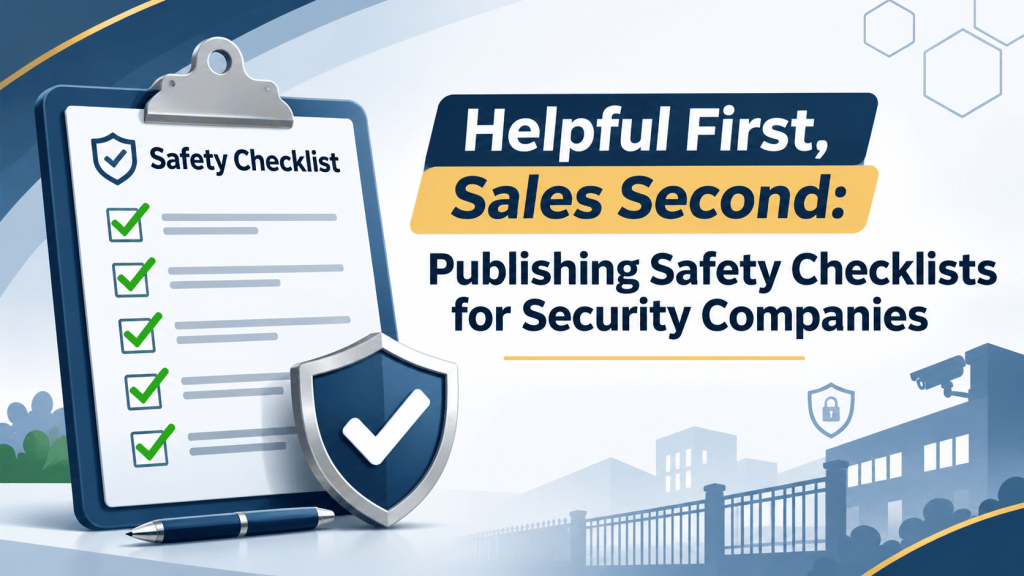
Before a family in Denver leaves for a two-week winter trip, they search for how to secure a home while on vacation. A local security company’s website has a clear, printable checklist: put lights on timers, pause mail delivery, lock garage access points, and test the alarm system. The family uses the checklist, bookmarks the site, and calls the company a month later about camera upgrades.
Security companies sell peace of mind. Practical checklists show expertise and earn trust long before a customer is ready to buy.
Checklist Topics People Search For
Good topics come from questions your customers already ask:
- Home security before vacation or holiday travel
- Securing a small business after hours
- Setting up smart cameras safely, including strong passwords
- Moving into a new home: locks, codes, and alarm checks
- Seasonal safety, such as storm preparation for outdoor equipment
Choose topics your team handles daily, and draw on what you see during installations and service calls.
Write Checklists People Can Actually Use
Keep each item short and actionable, and explain why it matters in a sentence where helpful. Organize checklists in order, such as before you leave, the day you leave, and while you’re away.
Offer a printable version for convenience, but publish the checklist as regular web text so it’s readable on phones and accessible to screen readers. Point readers to official resources where relevant, such as CISA’s guidance on securing connected devices. Keep the tone factual and calm, since fear-based language may grab attention but practical advice builds more trust.
Share Checklists Across Your Presence
Link checklists from relevant service pages and share them in seasonal Google Business Profile updates or social posts. People who find useful advice there may remember your name when they need service.
Directories also connect people with local providers. A general directory such as A to Z Business Listings includes a Security Systems and Services category where homeowners and businesses compare security providers, and it shows how others describe monitoring, installation, and smart-home services. Keep your listing details consistent with your website.
A common mistake is turning every checklist into a sales pitch. A brief mention of your services at the end is enough.
Earn Trust by Being Useful
Practical safety checklists help people today and remind them of your expertise tomorrow. Write clearly, stay factual, and connect your content to your profile and listings, including on A to Z Business Listings.
Frequently Asked Questions
How long should a safety checklist be?
Most effective checklists have between ten and twenty items grouped into short sections. Longer lists can overwhelm readers, while very short ones may feel incomplete. Focus on the steps that make the biggest difference, and explain anything that might be unclear in a sentence or two.
Should checklists be gated behind an email sign-up?
Usually it’s better to publish checklists openly on your website, where anyone can read them. You can offer an optional printable version or seasonal email reminders for people who want them. Open content is easier to share and helps more people, which builds goodwill.
How often should safety content be updated?
Review checklists at least once a year and whenever technology or best practices change, such as new security features in smart devices. Show an updated date on the page so readers know the information is current, and remove advice that no longer applies.
Can checklists mention specific products or brands?
You can, if it’s genuinely helpful, but focus on general practices that apply regardless of brand. If you recommend products you sell or install, be transparent about that relationship. Readers trust advice more when it isn’t tied to a single product.